Create a custom model
Product configurator
The configurator allows you to independently select the parameters of steel windows and doors – from dimensions and partitions to colour, glazing, and finishing details. Once the configuration is complete, you can obtain an initial quote and submit the project directly to our team. This allows for a quick transition from concept to implementation.
Step 1
Style Line Selection
Choose one of the three available style lines.
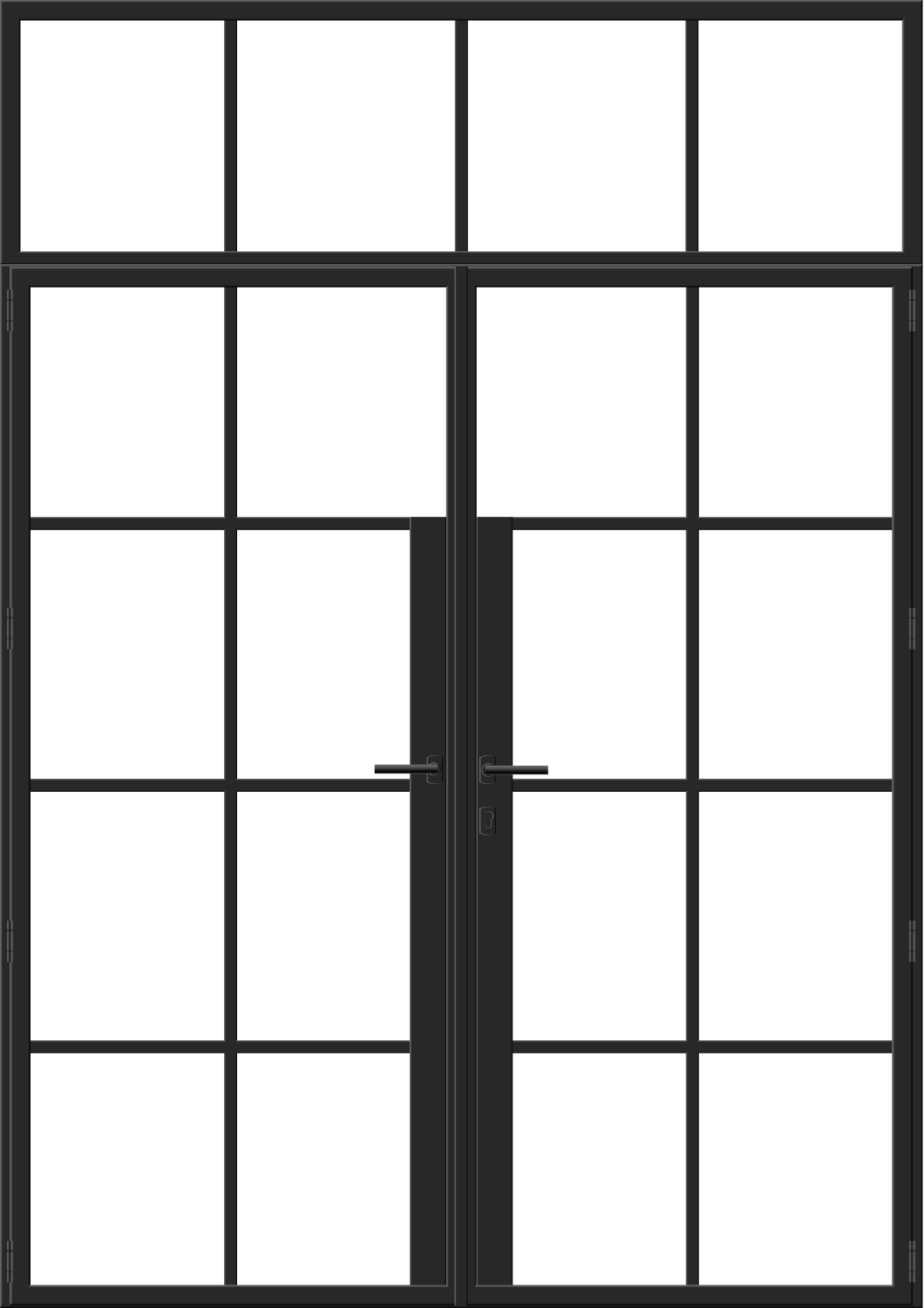
Industrial Line
With roots in industrial design principles, the Industrial Line is defined by clean geometric forms and a minimalist aesthetic.
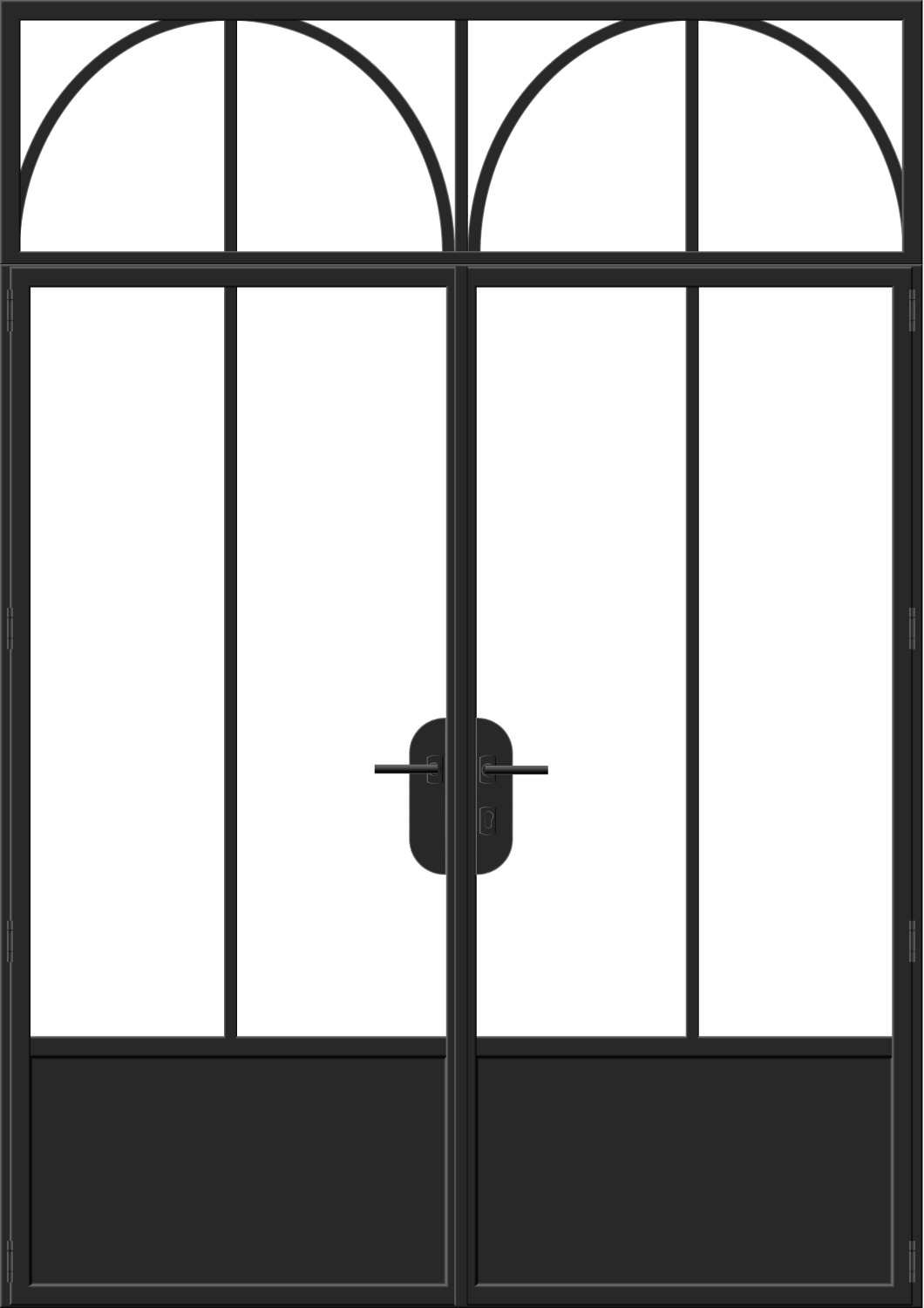
Vintage Line
Inspired by patterns and decorative styles of past decades, the Vintage Line features classic-finish joinery with slender frames and refined detailing.
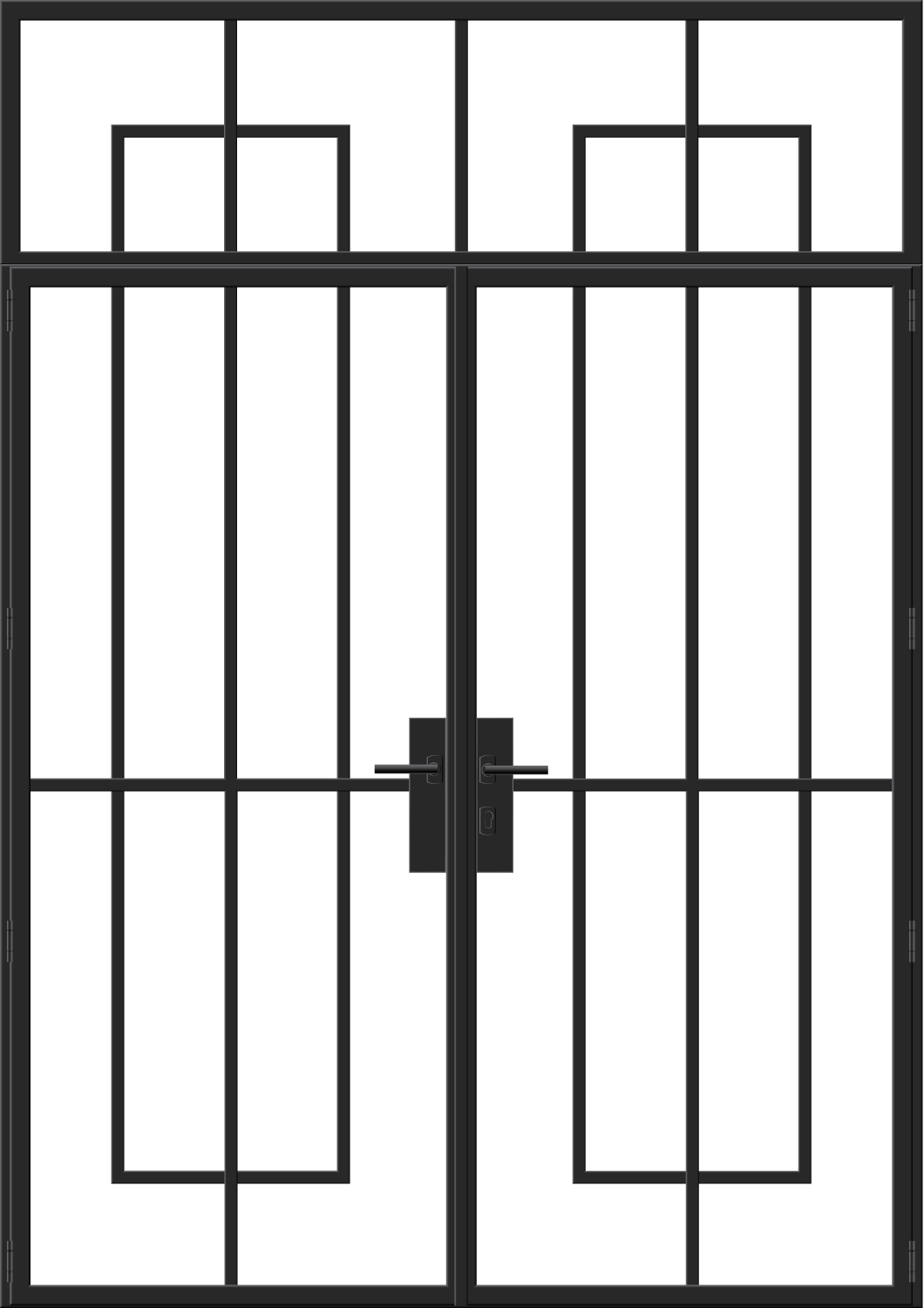
Glamour Line
The Glamour Line reflects luxury and elegance, drawing on the aesthetics of the 1920s and 1930s, with refined detailing and decorative carvings.
Customize the finish color to match your preferences.
Anthracite Grey
RAL 7016
Black Grey
RAL 7021
Pearl Mouse Grey
RAL 7048
Lemon Yellow
RAL 1012
Oyster White
RAL 1013
Pale Green
RAL 6021
Pearl Gold
RAL 1036
Sapphire Blue
RAL 5003
Moss Green
RAL 6005
Inne
Step 2
Product use case
Specify the product's use case.
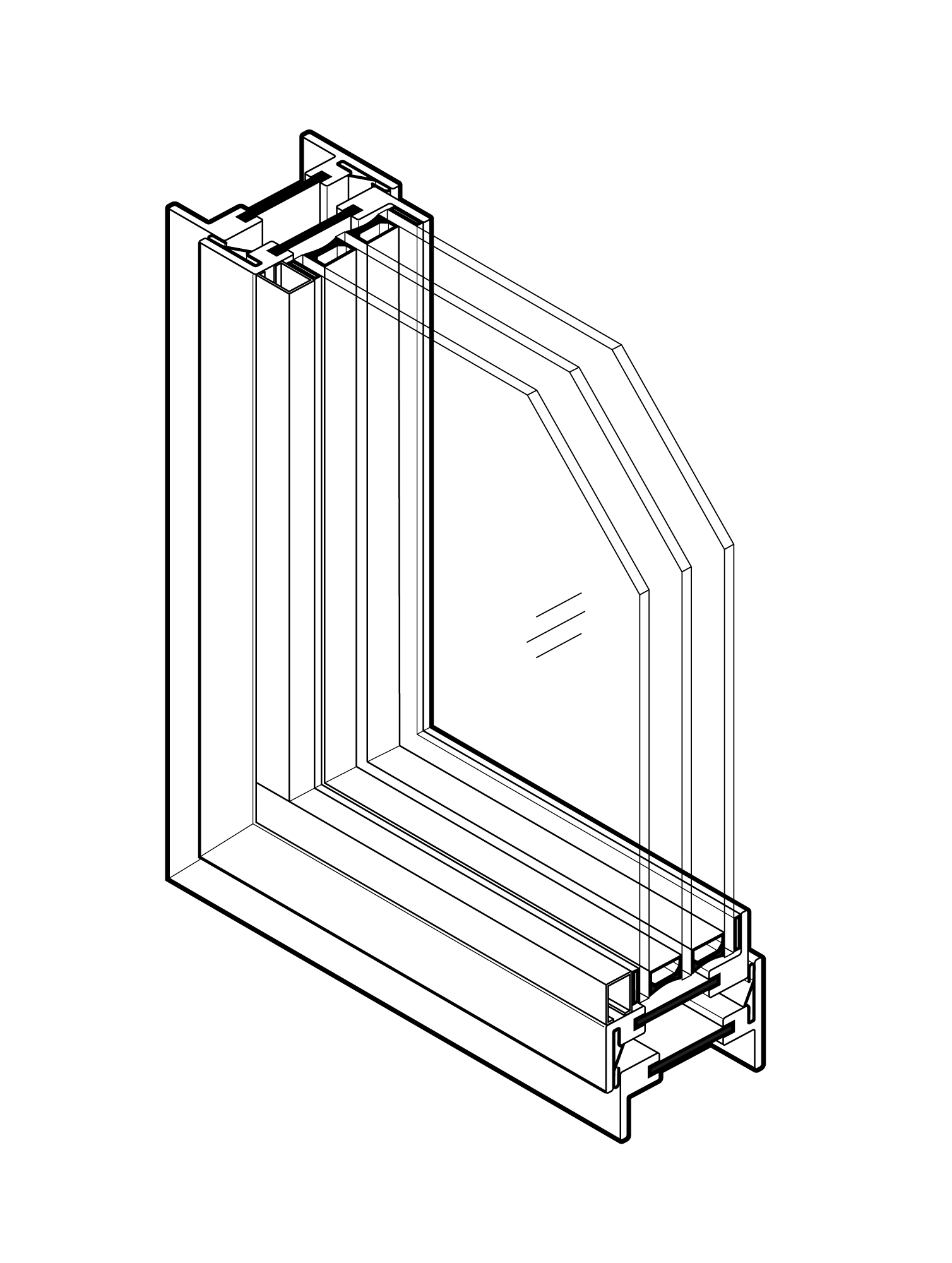
External Application
Warm Profile
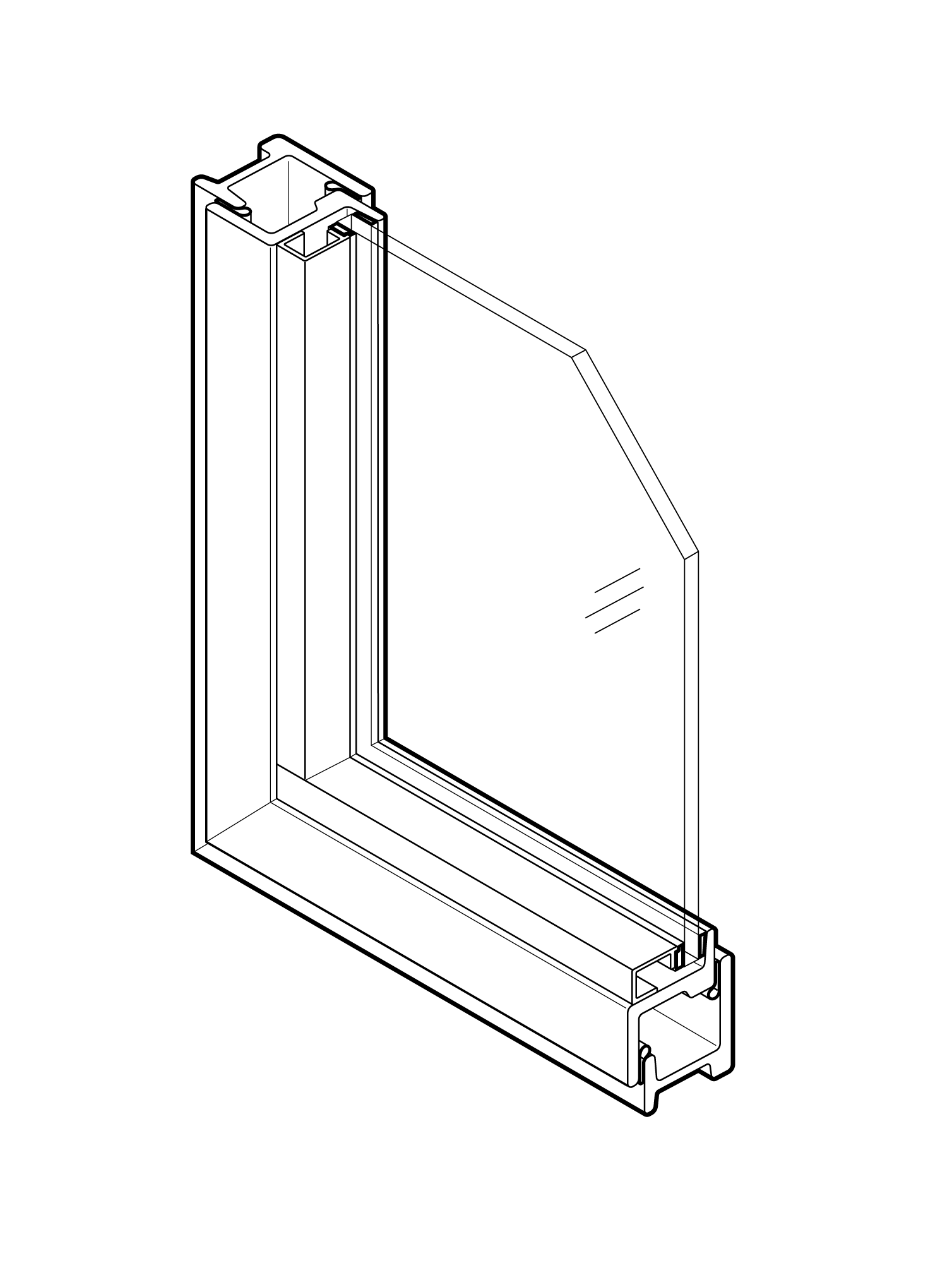
Internal Use
Cold Profile
Step 3
Product type
Product type selection
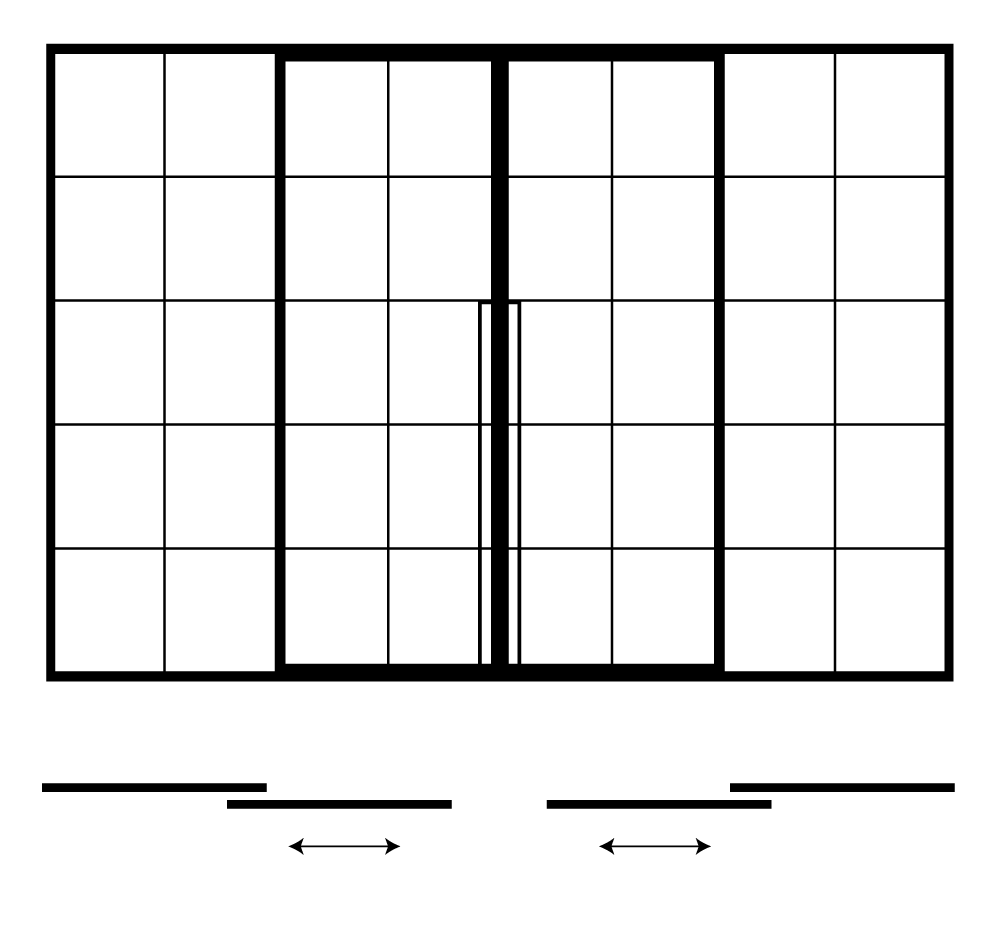
Sliding Doors
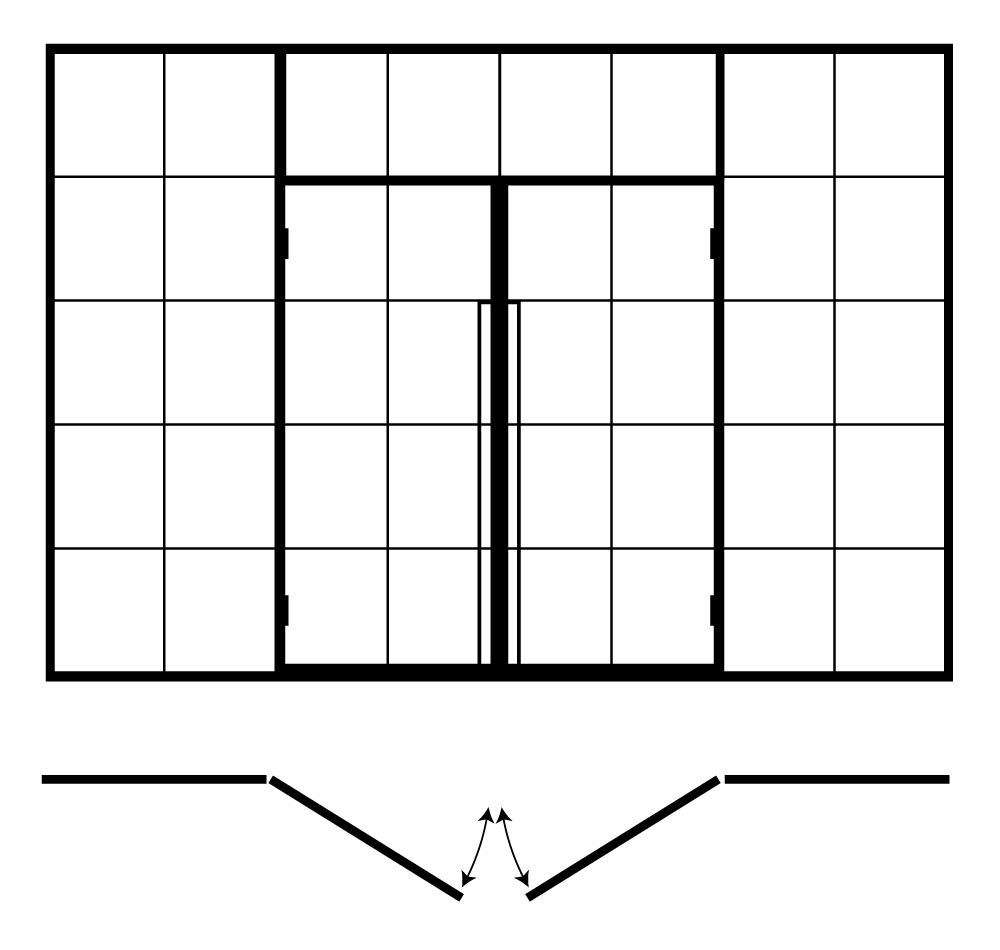
Swing Doors and Windows
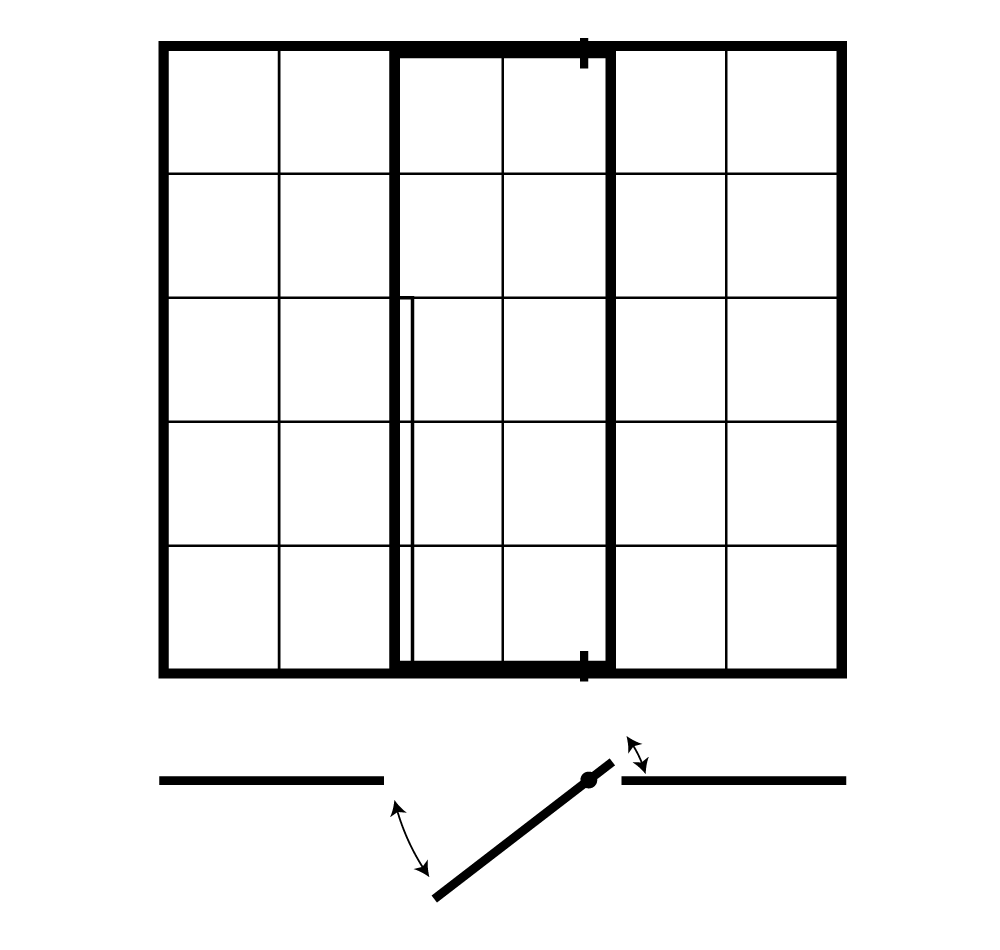
Pivot Doors
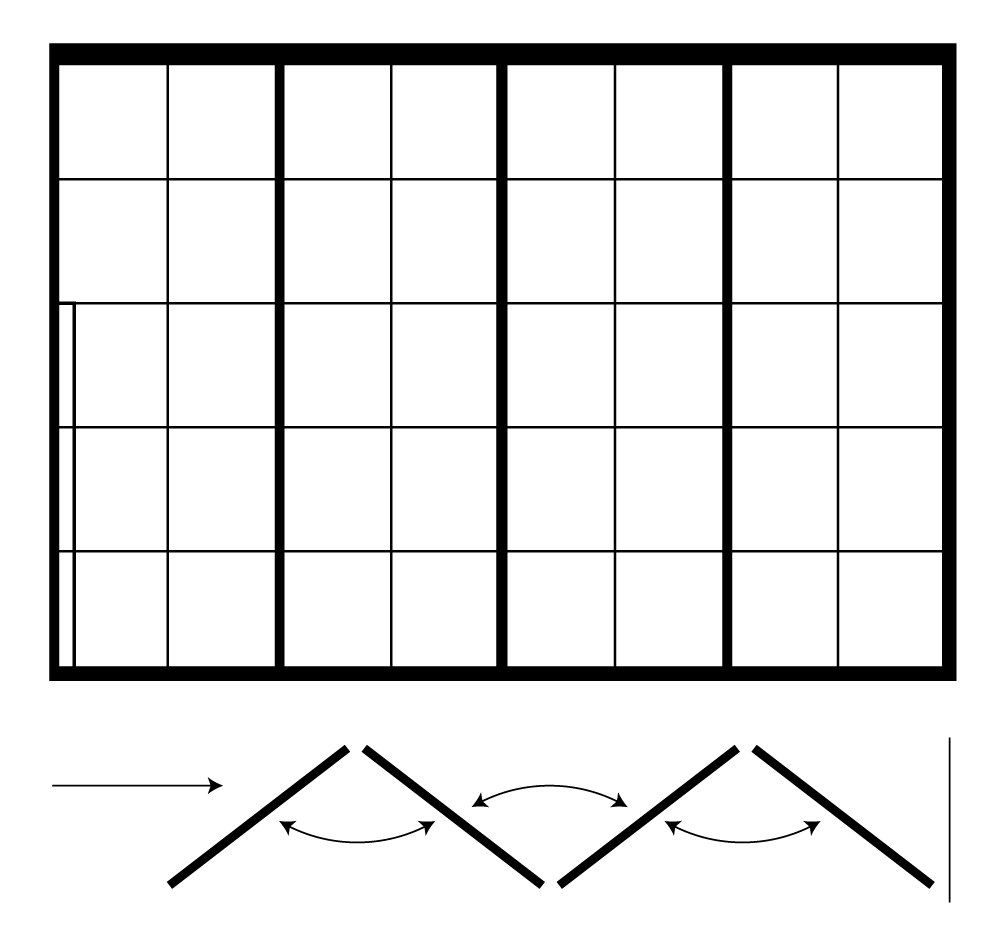
Folding Doors
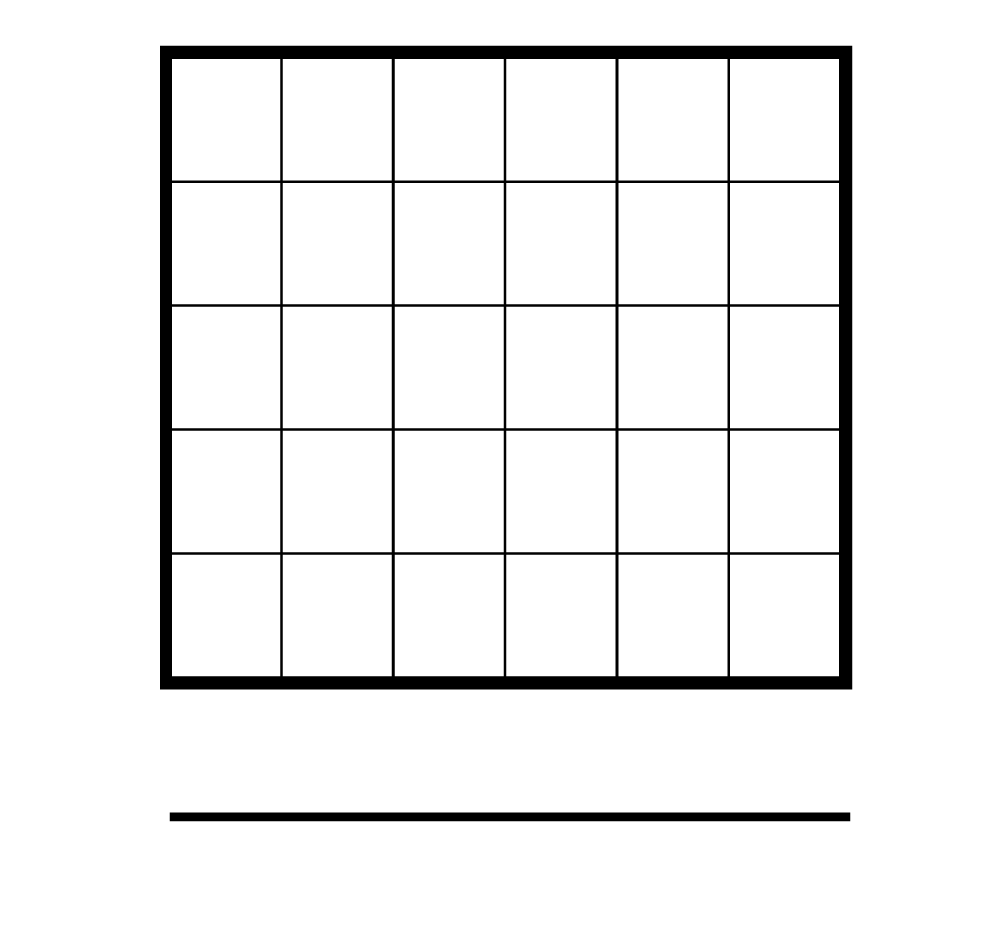
Fixed Partitions
Step 4
Adjust layout
Configure product details such as dimensions, position, and number of glazing bars to suit your needs.
Step 5
Choose accessories
Adjust the details and finishes of the product according to your preferences.
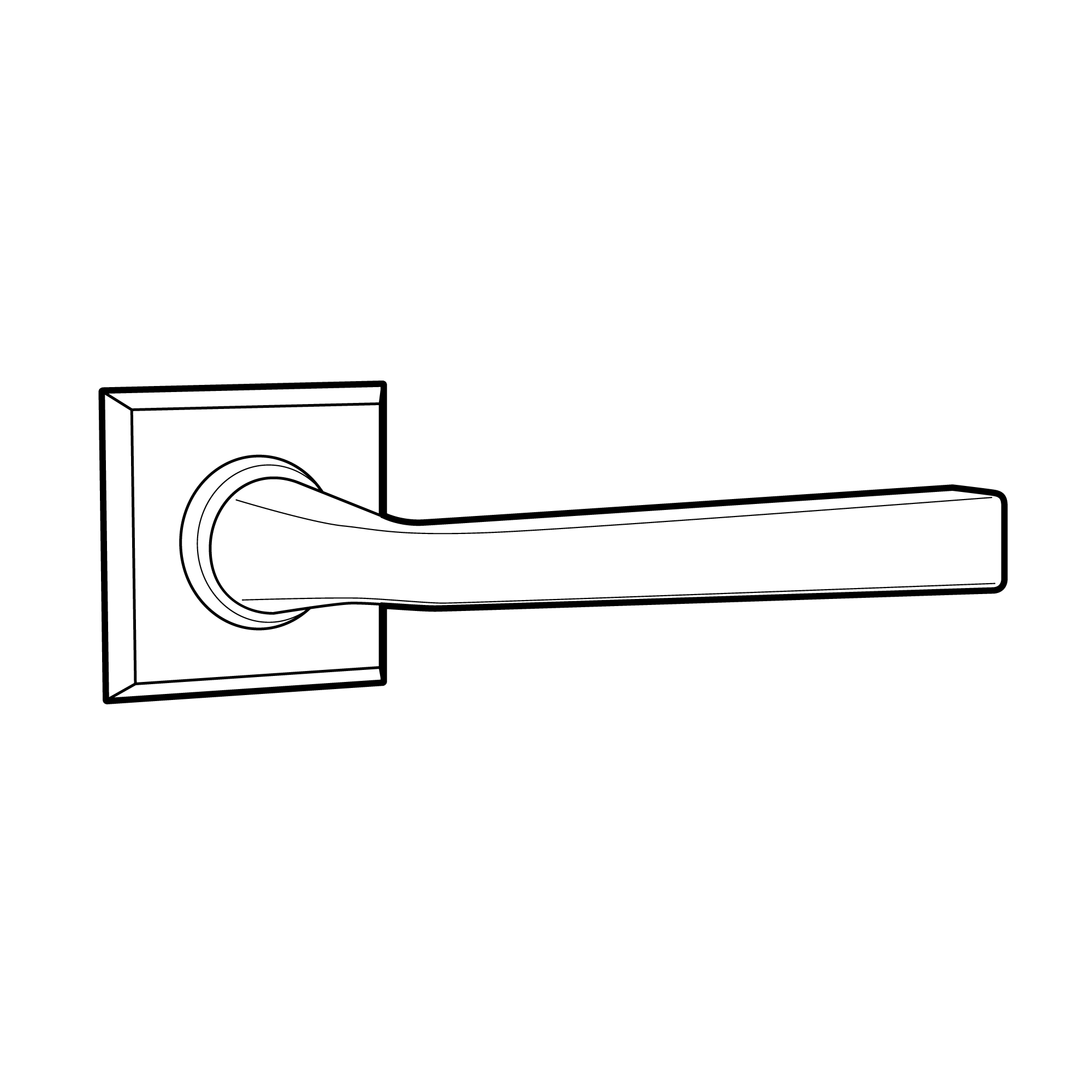
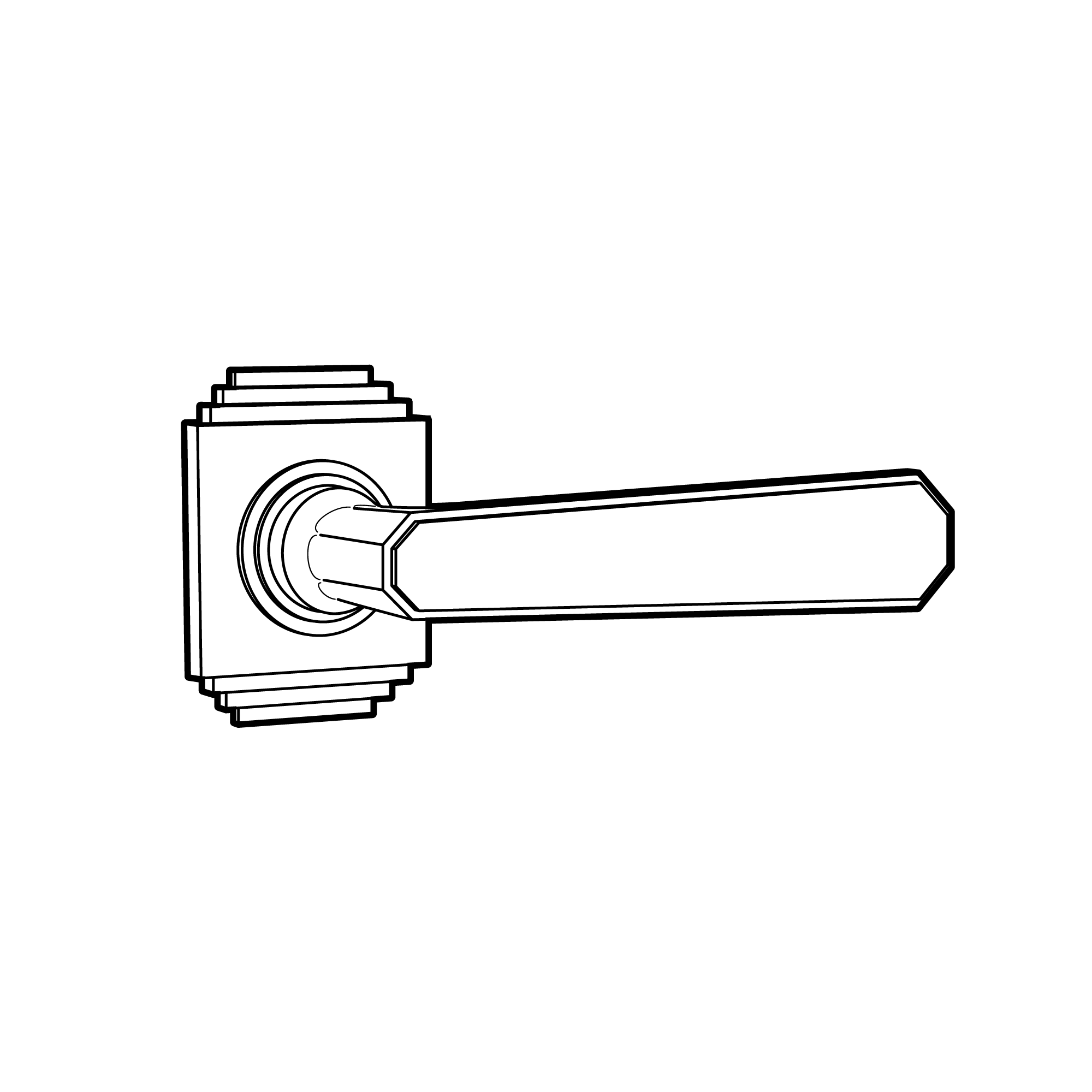

Handle 1 Industrial
Handle 1 Glamour
Handle 1 Vintage
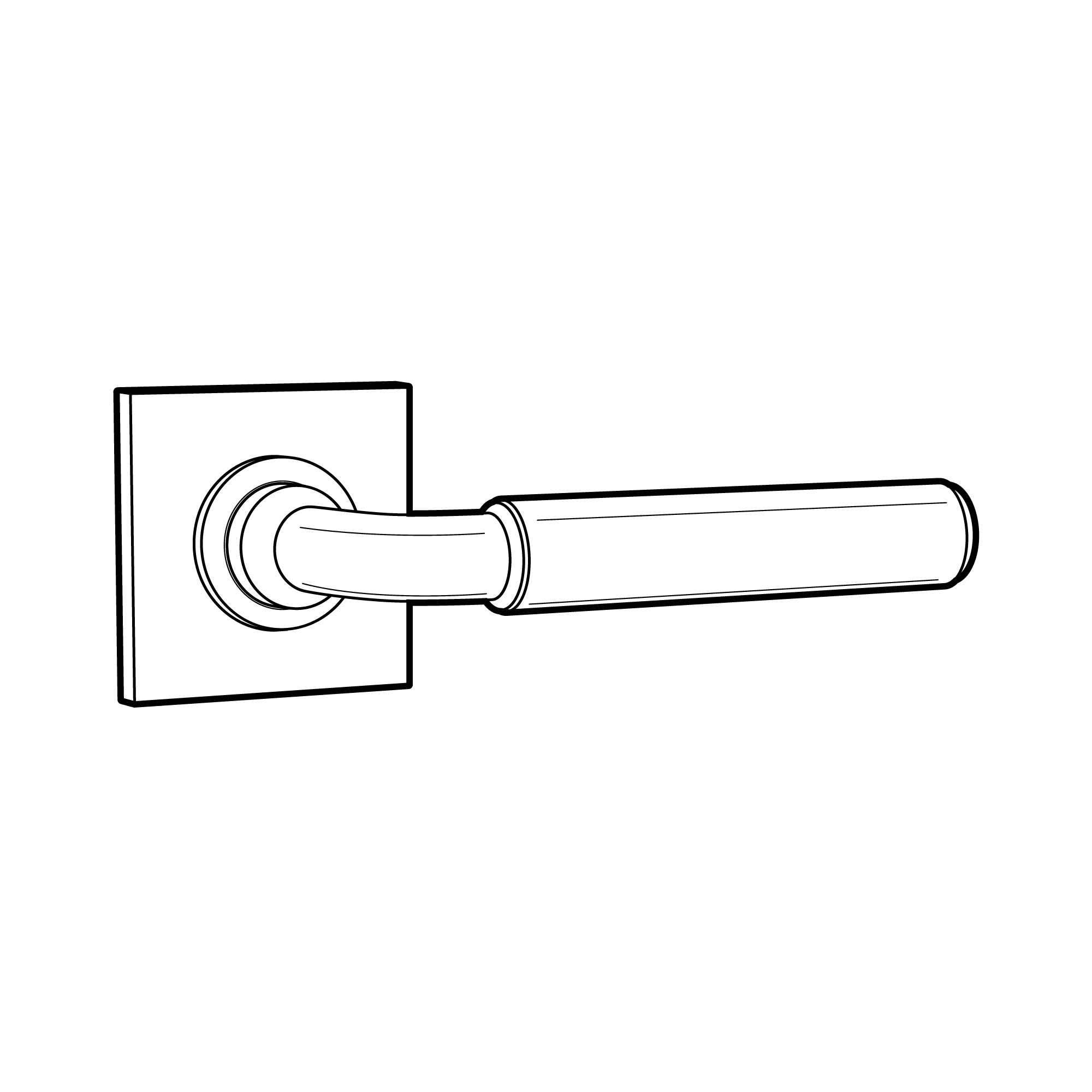
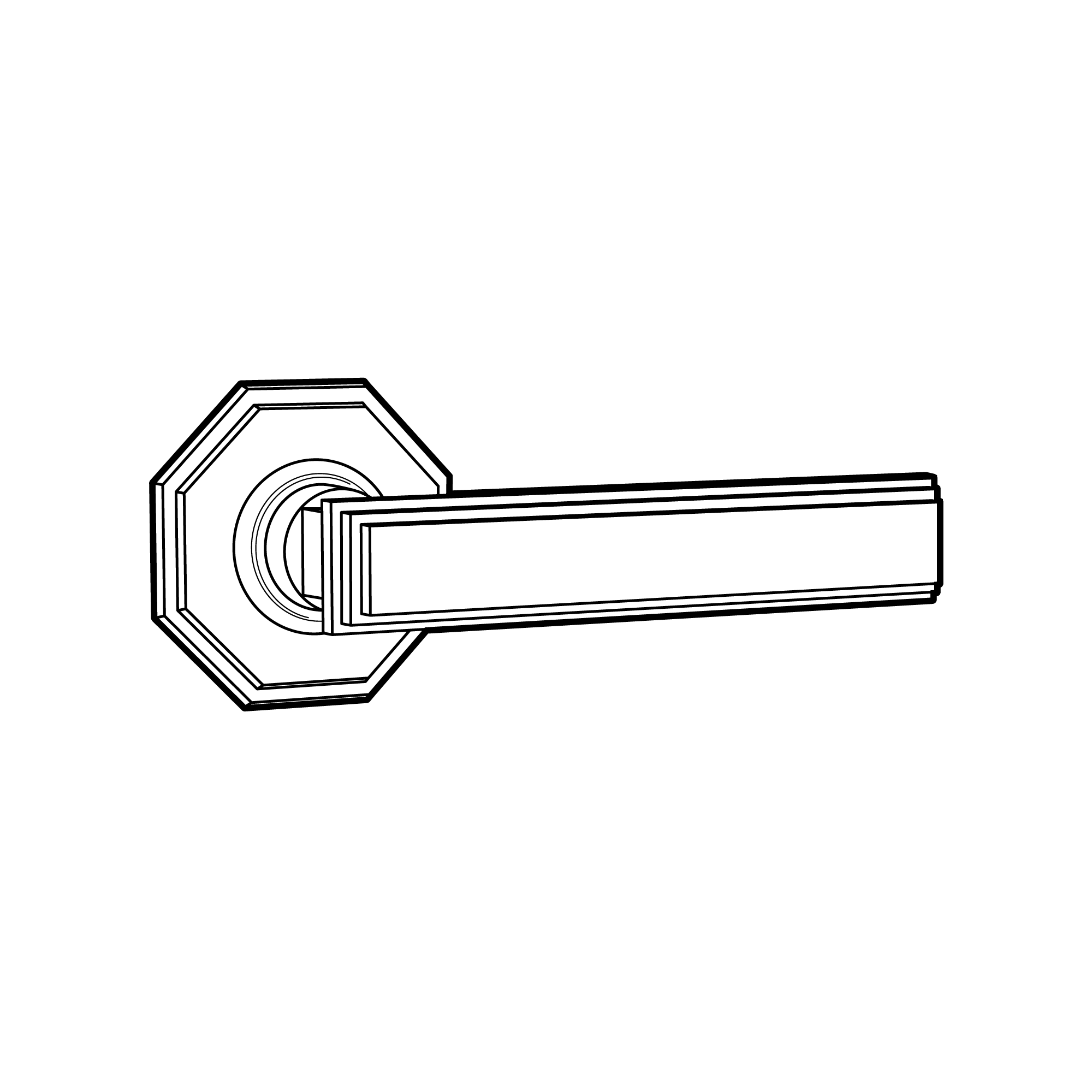
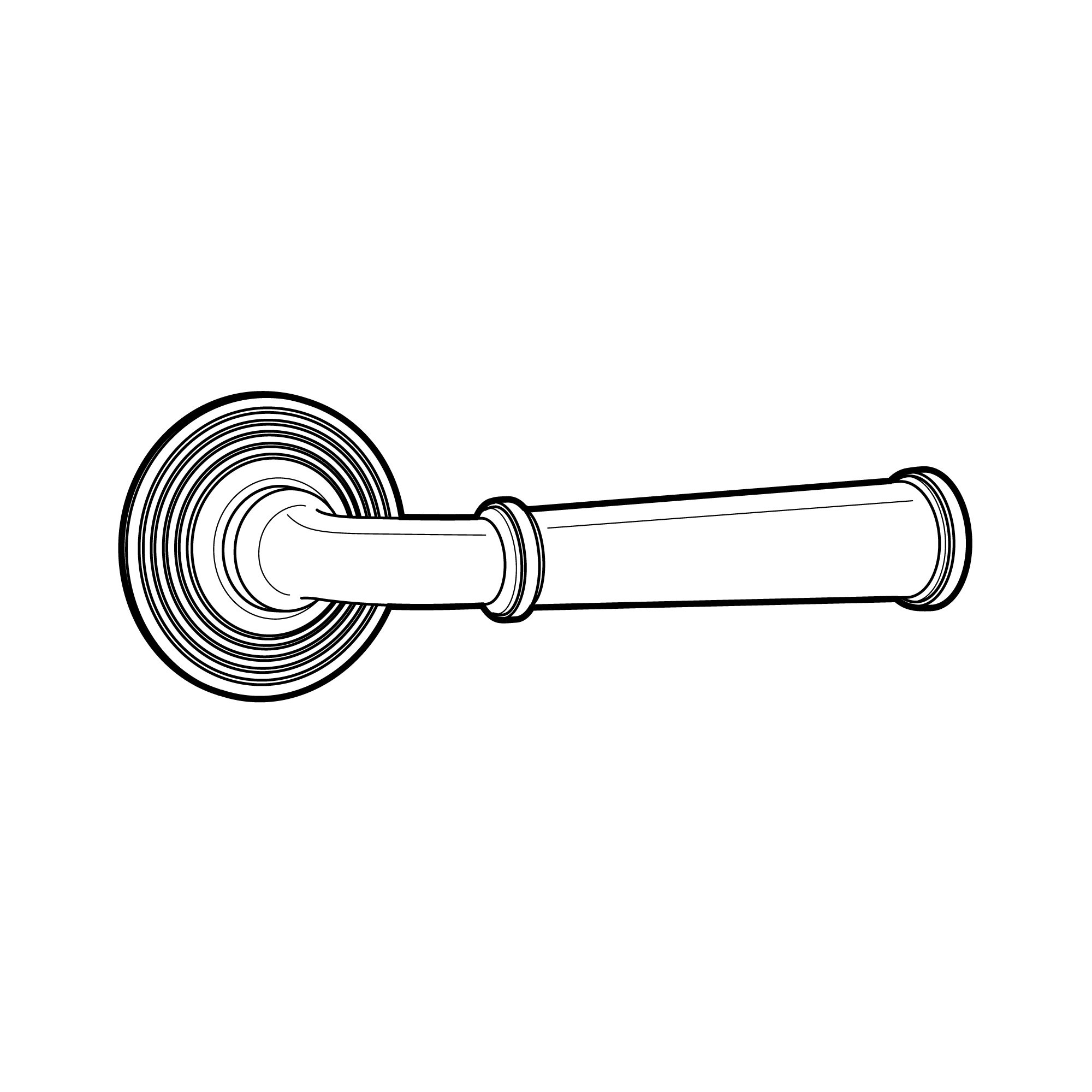
Handle 2 Industrial
Handle 2 Glamour
Handle 2 Vintage
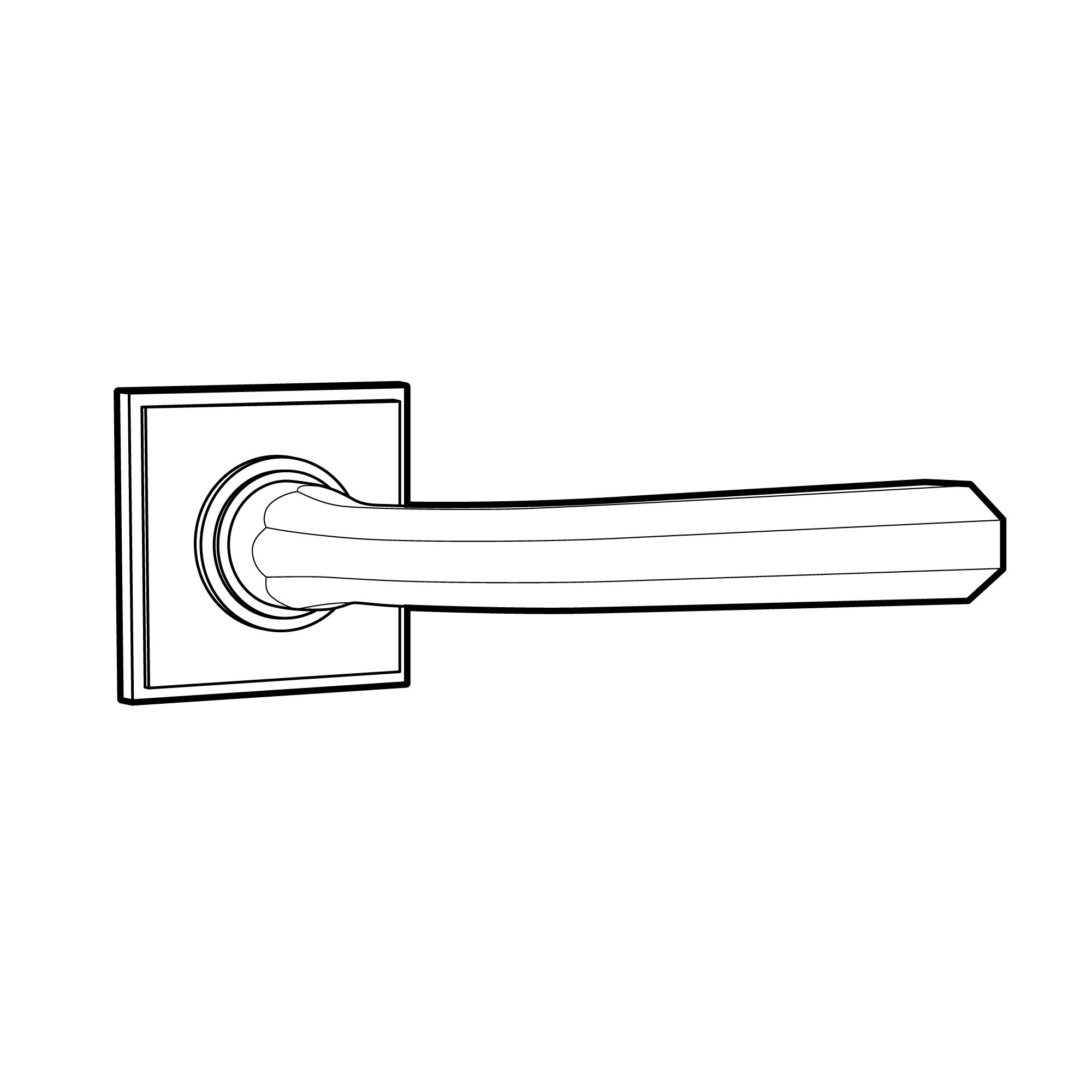
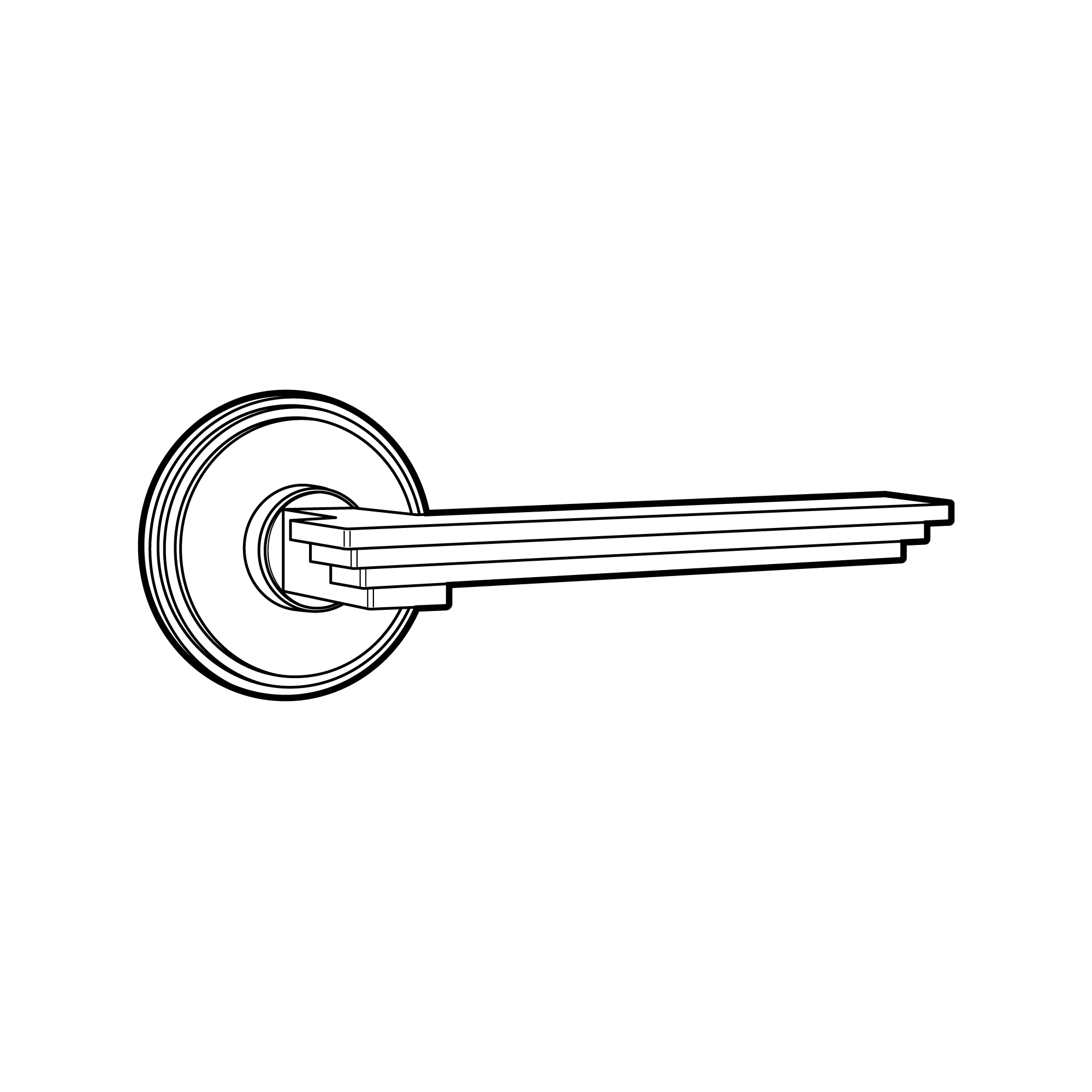
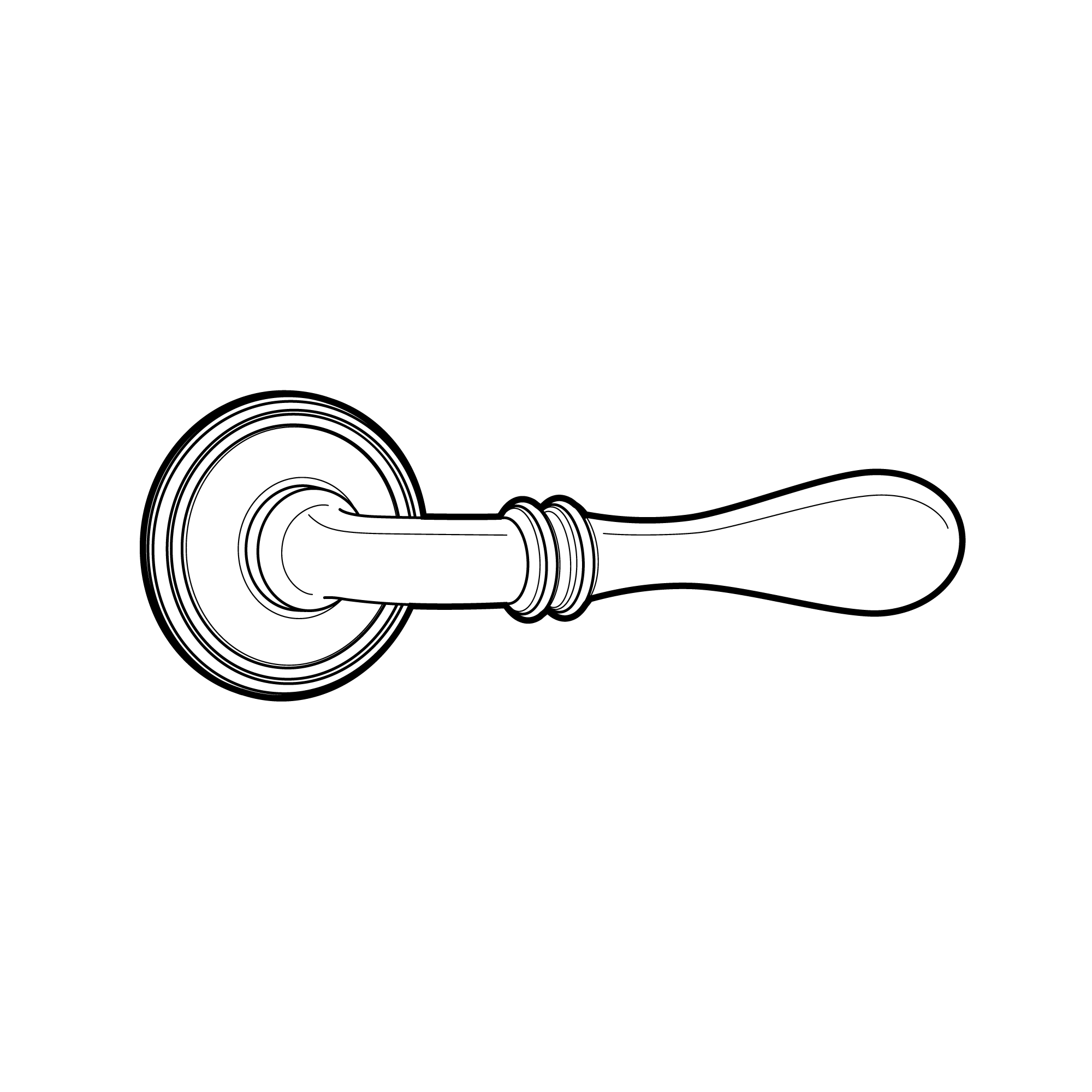
Handle 3 Industrial
Handle 3 Glamour
Handle 3 Vintage
Anthracite Grey
RAL 7016
Black Grey
RAL 7021
Pearl Mouse Grey
RAL 7048
Lemon Yellow
RAL 1012
Oyster White
RAL 1013
Pale Green
RAL 6021
Pearl Gold
RAL 1036
Sapphire Blue
RAL 5003
Moss Green
RAL 6005
Inne
Step 6
Smart Home
Enhance your products with security features and smart home integration.
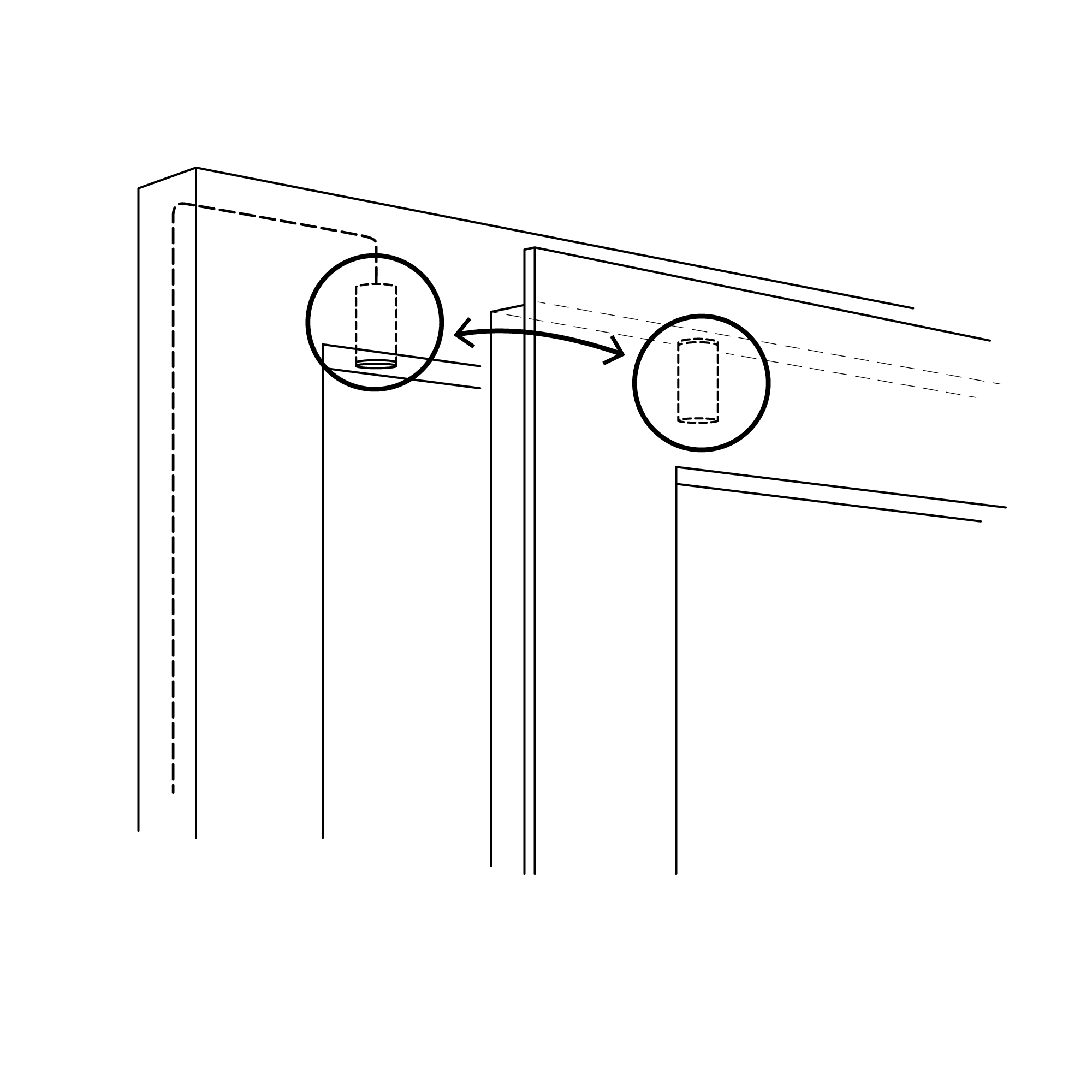
Reed Switch
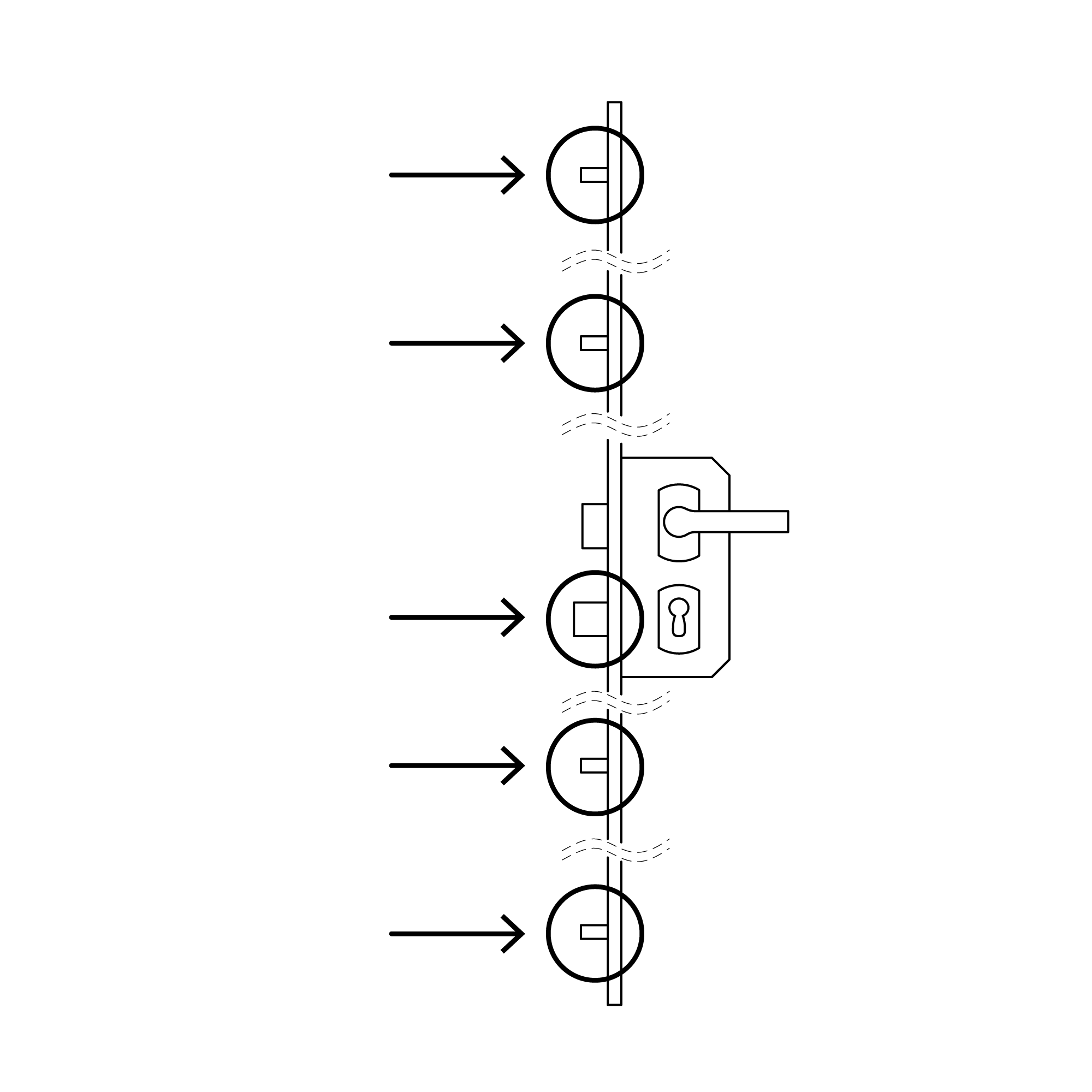
Multi-bolt Lock
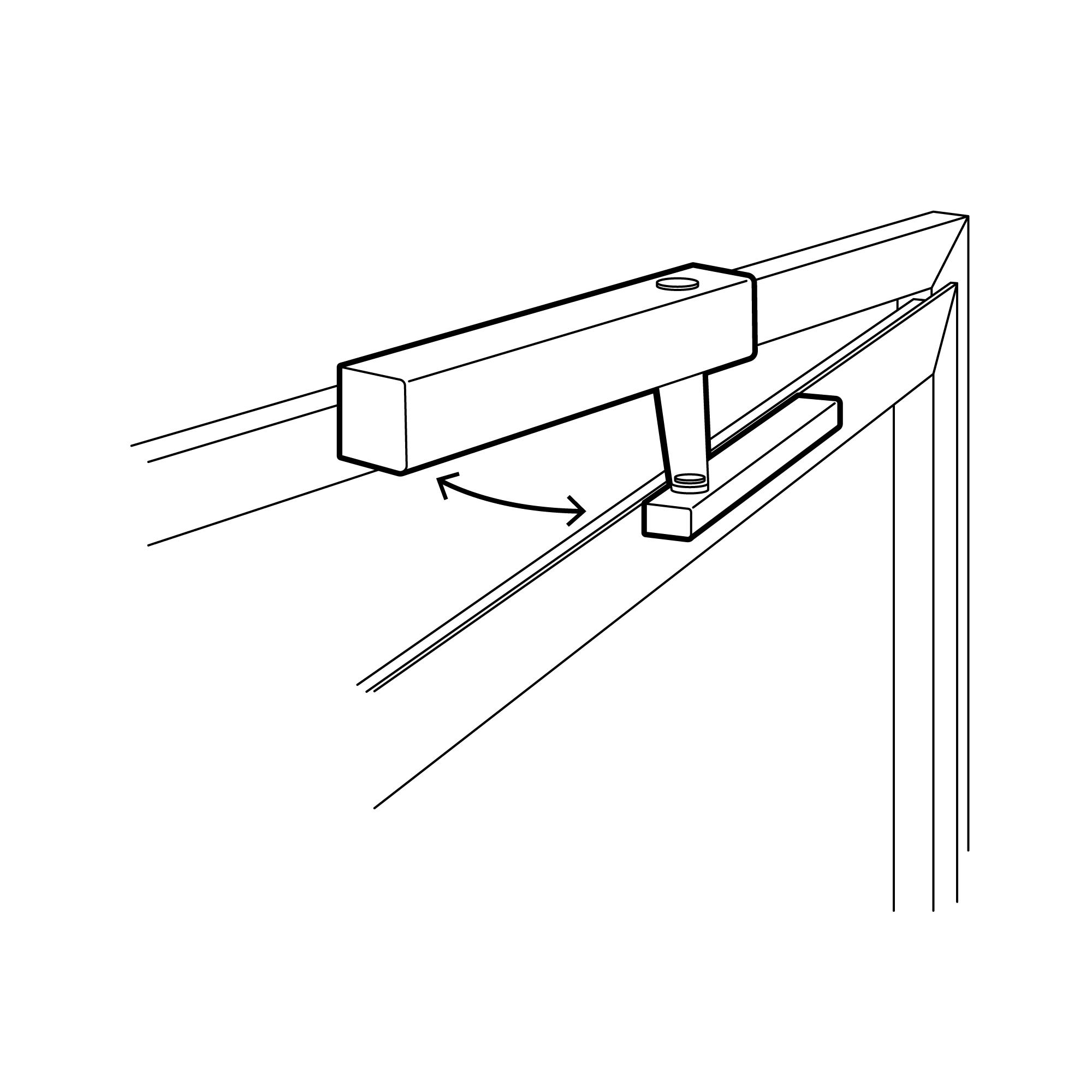
Actuator
Step 7
Summary
Summary of selected product parameters and configurations.
Selected style line:
Selected frame color:
Selected product use:
Selected product type:
Selected accessories:
Selected door handle color:
Selected smart home elements:
